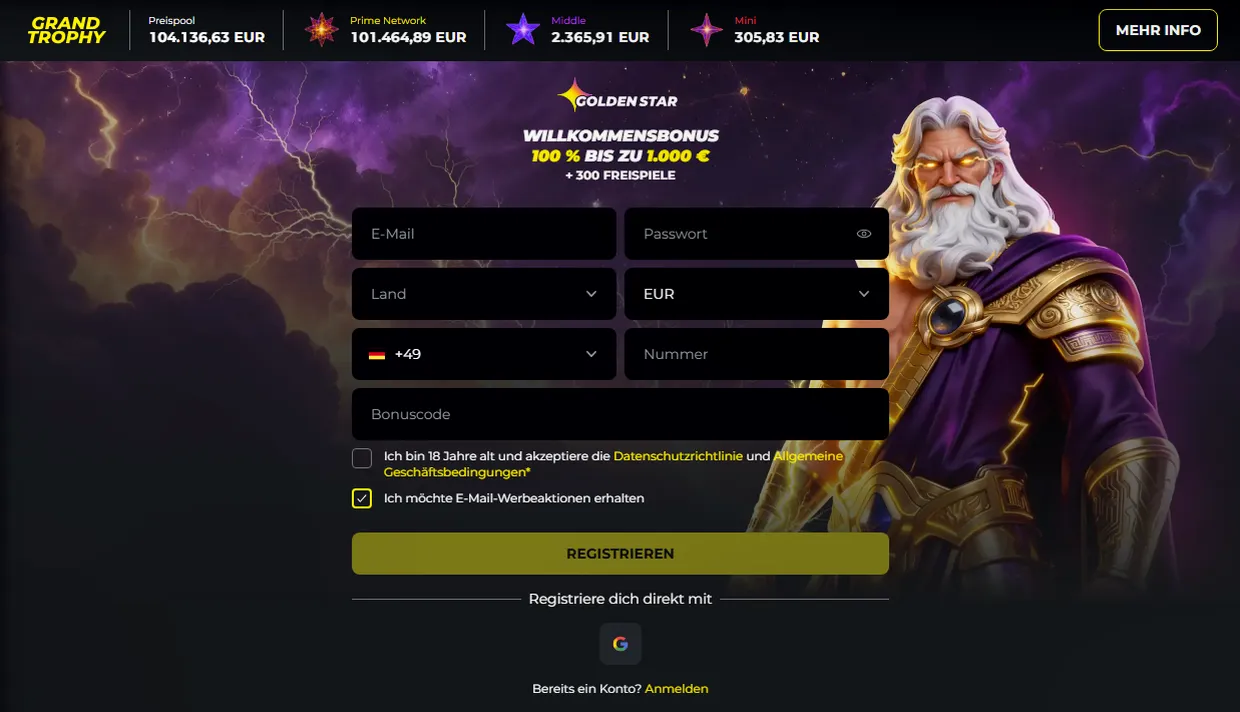
Secure login
Goldenstar encrypts logins with 256-bit SSL technology to protect your credentials. Always use the official website goldenstar.jetzt to log in – never enter your login details on detours or on pages that you have not visited directly.
Your username and password should be kept secure and secret. Never share this information with anyone, including support staff or representatives of Goldenstar.
- Visit the official Goldenstar website at goldenstar.jetzt
- Click on the login form on the home page
- Enter your username or email address
- Enter your password
- Tick the CAPTCHA or solve the security check
- Click the Log in button
- You will be redirected to your account dashboard
Account recovery
If you have forgotten your password or cannot access your account, Goldenstar offers recovery options. The steps for recovery are carried out via a secure process.
Contact the support team of Goldenstar to receive help with account recovery. The operator may require verification information to ensure the security of your account.
- Click on the forgotten password link on the login page
- Enter the email address linked to your account
- Check your email for a message from Goldenstar
- Follow the link for resetting your password contained in the email
- Create a new secure password
- Sign in with your new password
Alternative access
Goldenstar offers mobile access via web browsers on mobile devices. You can access your account via any modern browser – no app is required.
The mobile website of Goldenstar is optimised for smartphones and tablets, allowing you to access your account anywhere when you are online.
Security recommendations
- Use a unique, strong password that you do not use anywhere else
- Enable two-factor authentication if offered
- Always log out when using a shared computer
- Check your account activity regularly for unauthorised access
- Update your browser and operating system with the latest security patches
- Do not trust links in unverified emails or messages
- Use a secure, private network and not public Wi-Fi for logins
FAQ
Can I use a different username to log in?
No, you must log in with your registered username or the email address you provided when creating your account. If you have any questions, contact the support team of Goldenstar.
What should I do if my account is locked?
If your account is locked or deactivated, contact the support team of Goldenstar immediately. The operator can help you determine the cause and explain the next steps.
Is it safe to log in on public Wi-Fi?
Logging in on public Wi-Fi is not recommended, as this can pose a security risk. Use a private, secure network for logging into your account.
How can I change my password?
You can usually change your password in your account settings or the security section of your profile. If you do not know how to do this, contact support.
What if I have lost my login details?
Contact the support team of Goldenstar with details about your account so that the operator can verify your identity and assist you in regaining access.