Login and account access at Goldenstar Casino

Goldenstar Casino

Securing your Goldenstar Casino account starts with logging in safely. Here you'll find instructions for setting a strong password, recovering lost login details and solving common access issues.

18+

Log in

Account security and recovery

A locked account can have various causes, such as multiple failed password attempts or suspicious activity. Most platforms implement these security measures to protect player accounts. After an automatic lock, accounts can often be unlocked again after a waiting period. For persistent issues, contacting customer support is necessary.

Restoring a locked account typically requires identity verification. This can be done by confirming the registered email address, phone number, or answering security questions. Support typically communicates with affected players via email or phone. Full identity confirmation can take several hours to days.

To protect your account, you should use a strong, unique password and change it regularly. Enable two-factor authentication where possible. Never share your login details with third parties and regularly check your account activity for suspicious access.

If you suspect unauthorised access or account misuse, contact customer support immediately. Document suspicious activities and keep all relevant communications. Quick action can minimise further risks.

Secure Login

Access to your player account requires your login credentials and is available via the web interface. When creating your account, use a strong password with uppercase and lowercase letters, numbers and special characters. Avoid easily guessable information and never share your access details with third parties. Before each login, check that you are on the correct website.

The platform is offered in German and is accessible via mobile devices. This allows you flexible access to your account from various devices. Make sure you only log in via secure network connections, especially when using public WiFi networks.

If you have questions or problems logging in, you can contact customer support. The support team is available via email and phone. Initial contact is usually in English; clarify your language requirements in your initial contact.

Keep your account details safe and log out after each session, especially on shared devices. Regularly check your account activity for unusual activity and update your password at regular intervals.

Two-Factor Authentication and Account Security

Two-factor authentication (2FA) is a proven security procedure that protects your account with a second verification layer. In addition to your password, an additional code is requested, for example via SMS or an authentication app. This makes it significantly harder for unauthorised persons to access your account, even if your password has been compromised.

When you open an online casino account, you should check the available security options and enable them. A strong, unique password is the foundation – use combinations of uppercase and lowercase letters, numbers and special characters. Never record sensitive access details unsecurely and do not share them with other people.

Regular security checks are recommended: regularly check your contact details and linked payment methods for accuracy. If you notice suspicious activity, contact customer support immediately. Document unusual activity and keep confirmation terms carefully.

Many casinos offer various contact channels – both email and phone can be used for security matters. Use these channels if you are unsure or if there are signs of unauthorised access to your account.
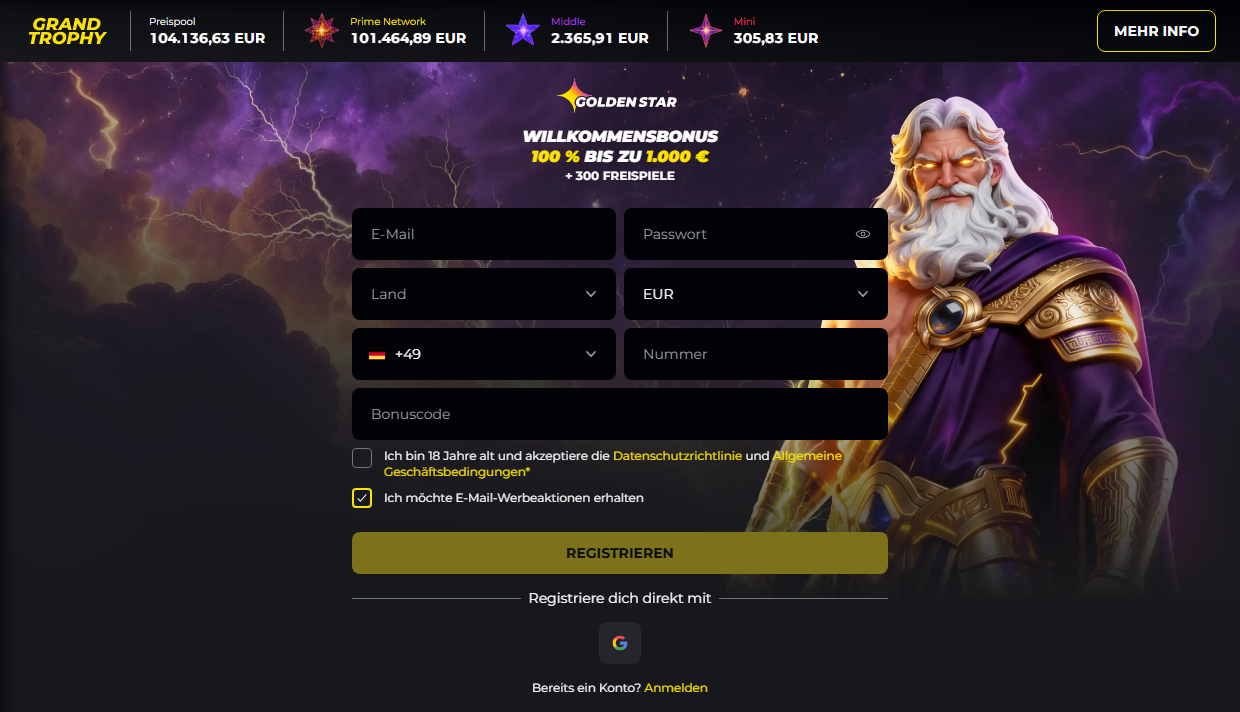
Forgot Password

If you have forgotten your password, you can reset it using the standard recovery options on the login page. Enter your registered email address and follow the instructions you receive. The process is quick and secure to protect your account.

The platform offers support in German and can be contacted via email or phone. The support team will help you with password recovery issues and can offer alternative solutions if you do not have access to your registered email.

When resetting your password, note that you should choose a secure code. The code should contain uppercase letters, lowercase letters, numbers and special characters. This protects your account from unauthorised access and misuse.

Once you have set your new password, you can log in immediately. Mobile web access works with your updated login details the same as on desktop. Check your account settings for security after logging in.

Mobile App Access

Goldenstar Casino offers mobile access via the web-based platform. You can log in on your smartphone or tablet through your browser and access the casino without installing any additional software. This option allows flexible gameplay from anywhere.

The mobile website is optimised for various devices and operating systems. You simply need a standard web browser and an internet connection. The login process is identical to the desktop version using your login credentials.

If you have questions about mobile access, you can contact customer service. Goldenstar Casino provides support via email and telephone. The team will assist you with technical questions or issues with mobile use.

Before logging in, verify that you're visiting the official website. A secure connection and current browser version contribute to your safety when playing on mobile.

What You Should Know About Account Access

Your player account is your access to all platform features. To log in, you need the login credentials you created during registration. The platform is available via mobile website, so you can flexibly access your account. Make sure to keep your login details secure and never share them with others.

If you have trouble logging in, customer support is available via email or telephone. The support team communicates in English and can help you with various matters regarding your account access. Contact support if you've forgotten your login details or experience technical difficulties.

Keep your account information confidential and change your password regularly. This contributes to your account security. Check your internet connection before logging in to avoid interruptions.

Use the available support channels if you have questions about account management or the login process. The team is ready to assist you with using your account.

  • Keep your login details secure and don't share them with others
  • The platform is accessible via mobile website
  • Support is available via email and telephone
  • Change your password regularly for better security
  • Contact support if you've forgotten your password

FAQ

Can I change my email address after I've created my account?

This depends on Goldenstar Casino's settings. Contact support for help changing your email address.

How long is my password recovery link valid for?

Recovery links typically have a limited validity period for security reasons. If your link has expired, request a new email message.

What should I do if I don't receive a password reset email?

Check your spam folder and verify you've entered the correct email address. If you still don't receive the recovery message, use a verified support channel.

Can I take over someone else's account?

Only manage your own account. Don't share your login details and don't use someone else's account.

Is Goldenstar Casino safe to log in on public wifi?

Public wifi networks are less secure. Use a trusted private network where possible and avoid managing money on public wifi.

Responsible Gambling